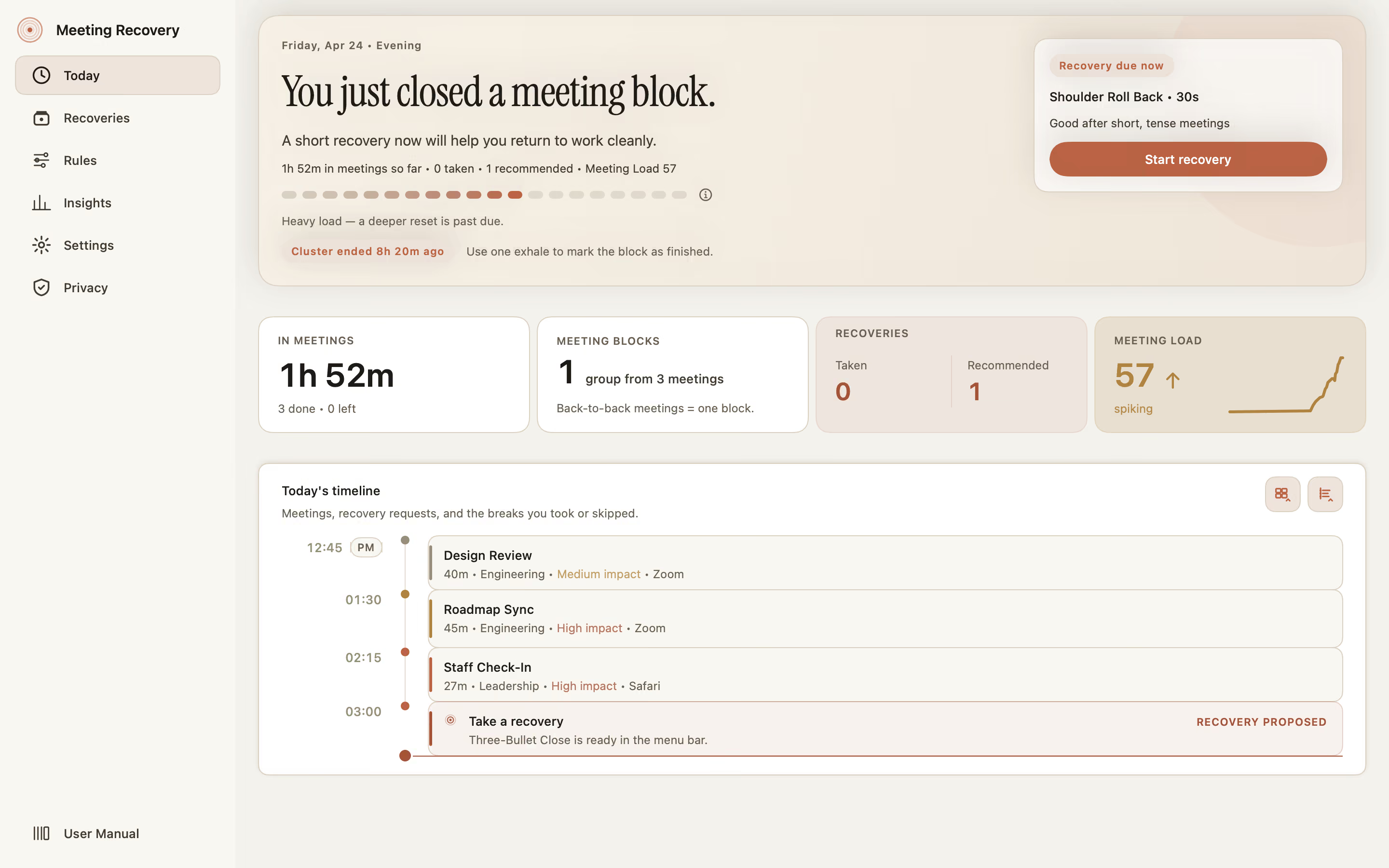
Today
A calm dashboard of meetings, blocks, recoveries, and your live meeting load — at a glance.
Your calendar picks the moment. You get a quiet minute to reset. Everything stays on your device.
macOS 15 · iOS 18 · One app, all your devices
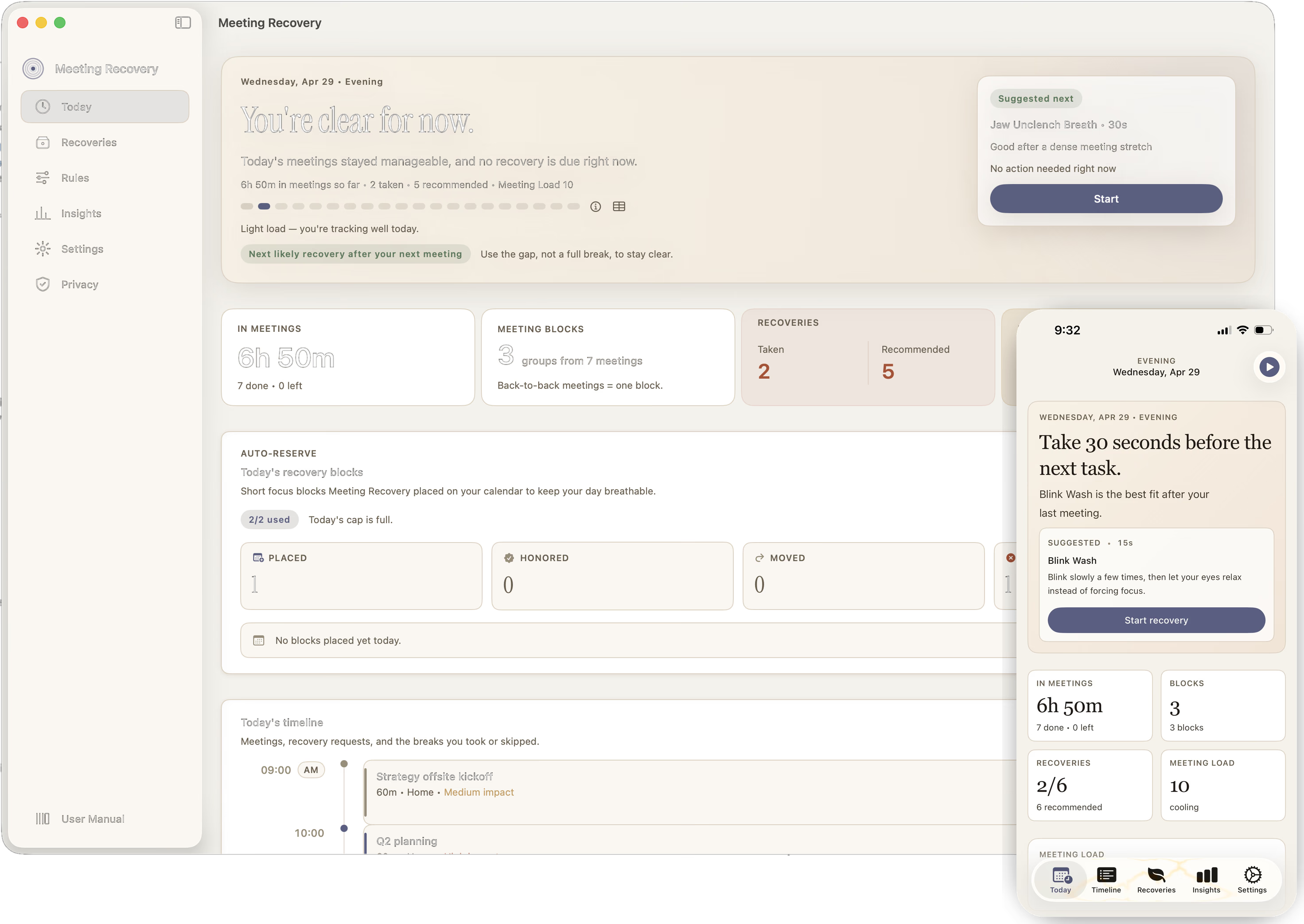
Back-to-backs. Context fog. A high meter that won't come down on its own. A short, deliberate reset is what turns 82 into 28.
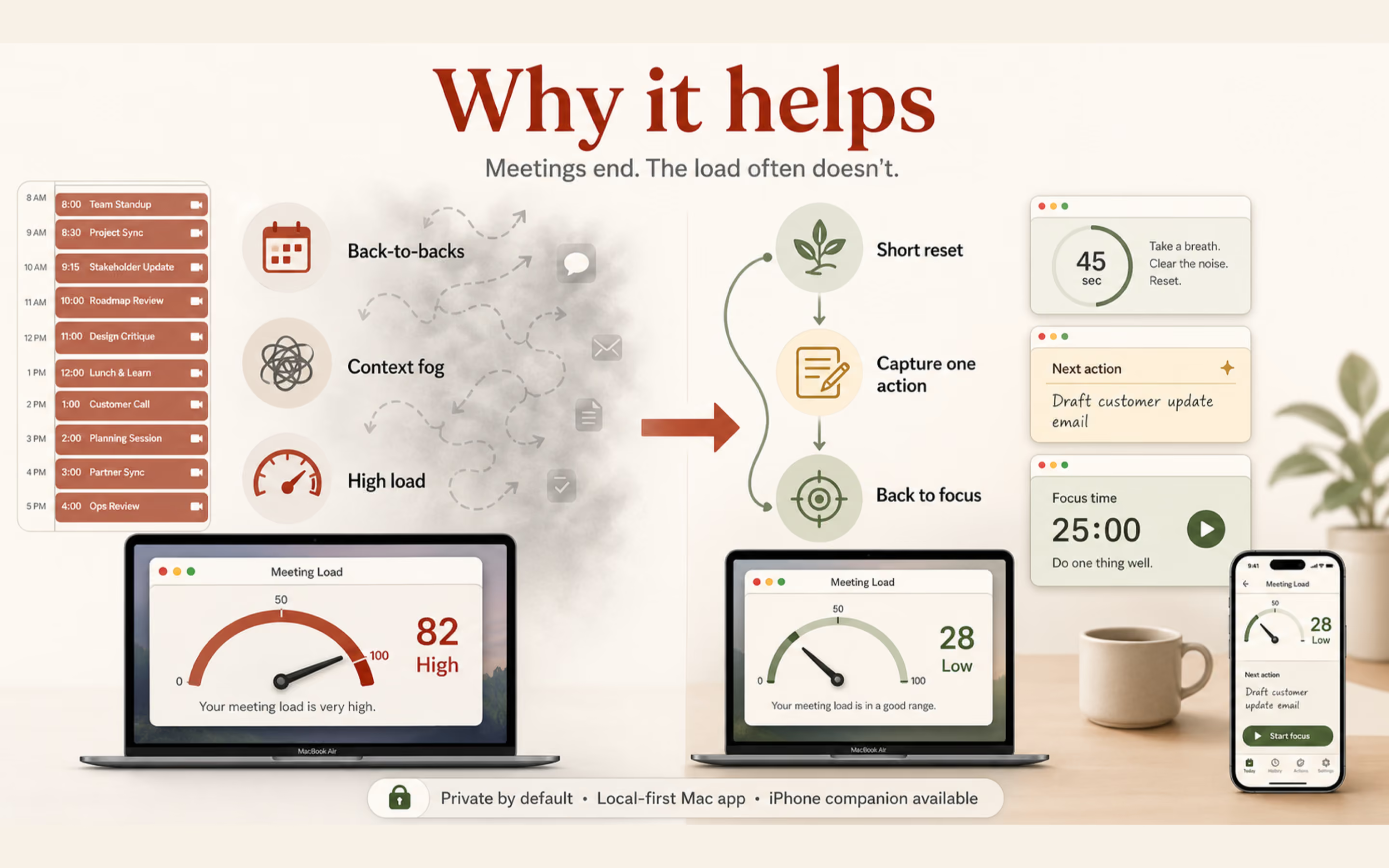
Six things working together so you land between meetings with your head intact.
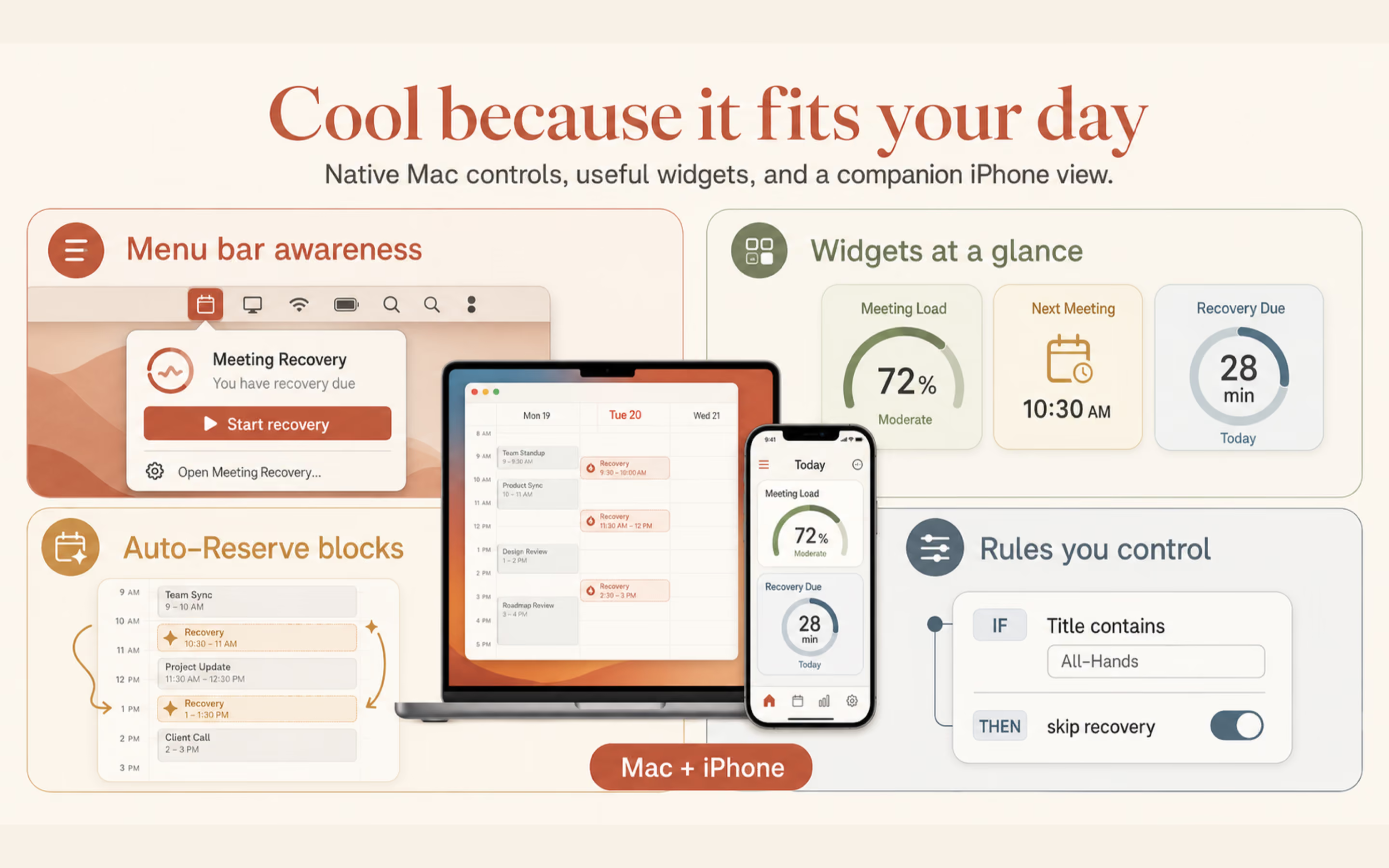
A calm dashboard of meetings, blocks, recoveries, and your live meeting load — at a glance.
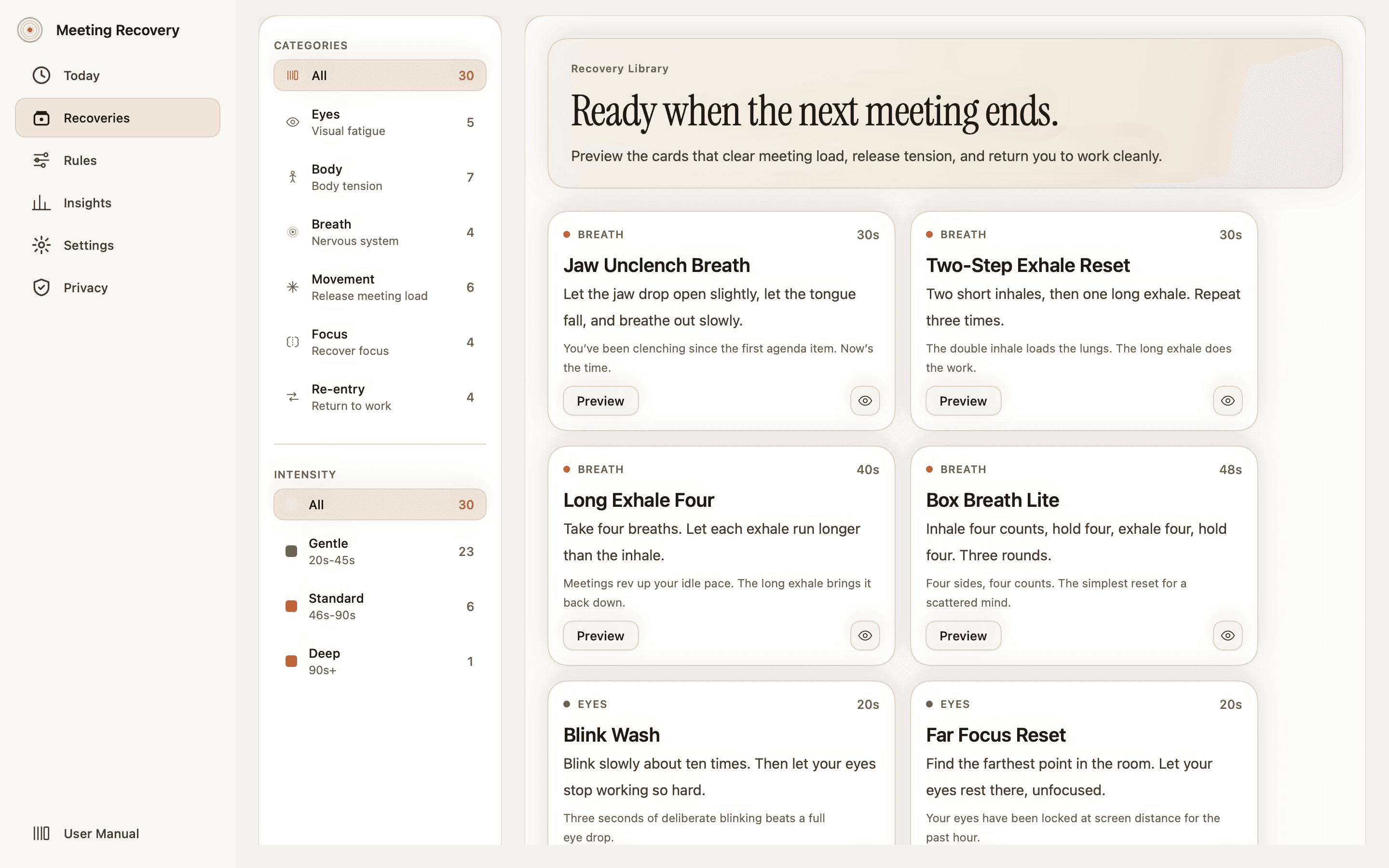
Eyes, breath, posture, movement, focus, re-entry. Twenty to ninety seconds — chosen to fit the load.
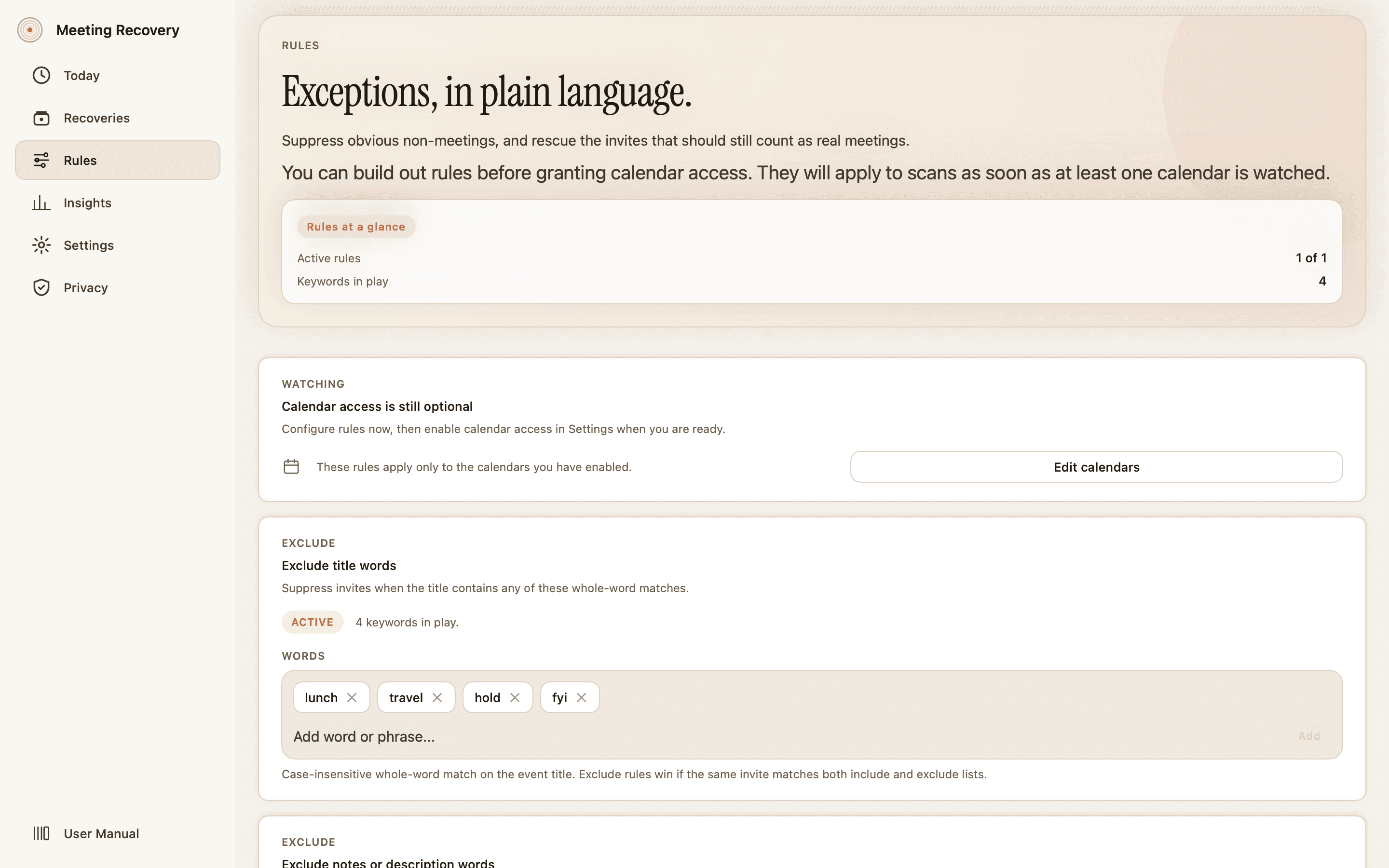
Skip stand-ups by title. Override mode for interviews. Calendar invites stop driving your day.
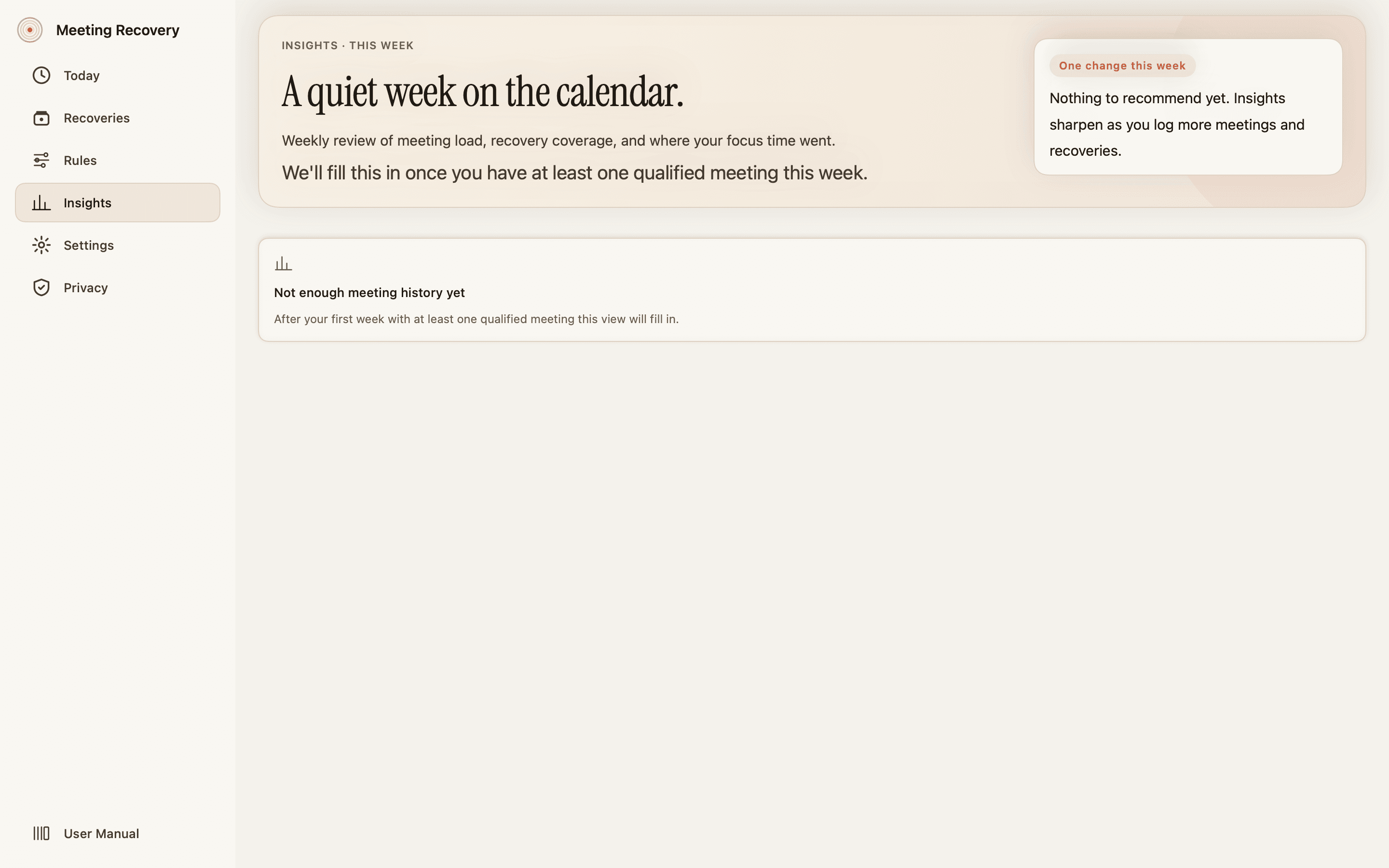
Hardest weekday. Coverage. The one change worth making this week. Patterns, not vanity charts.
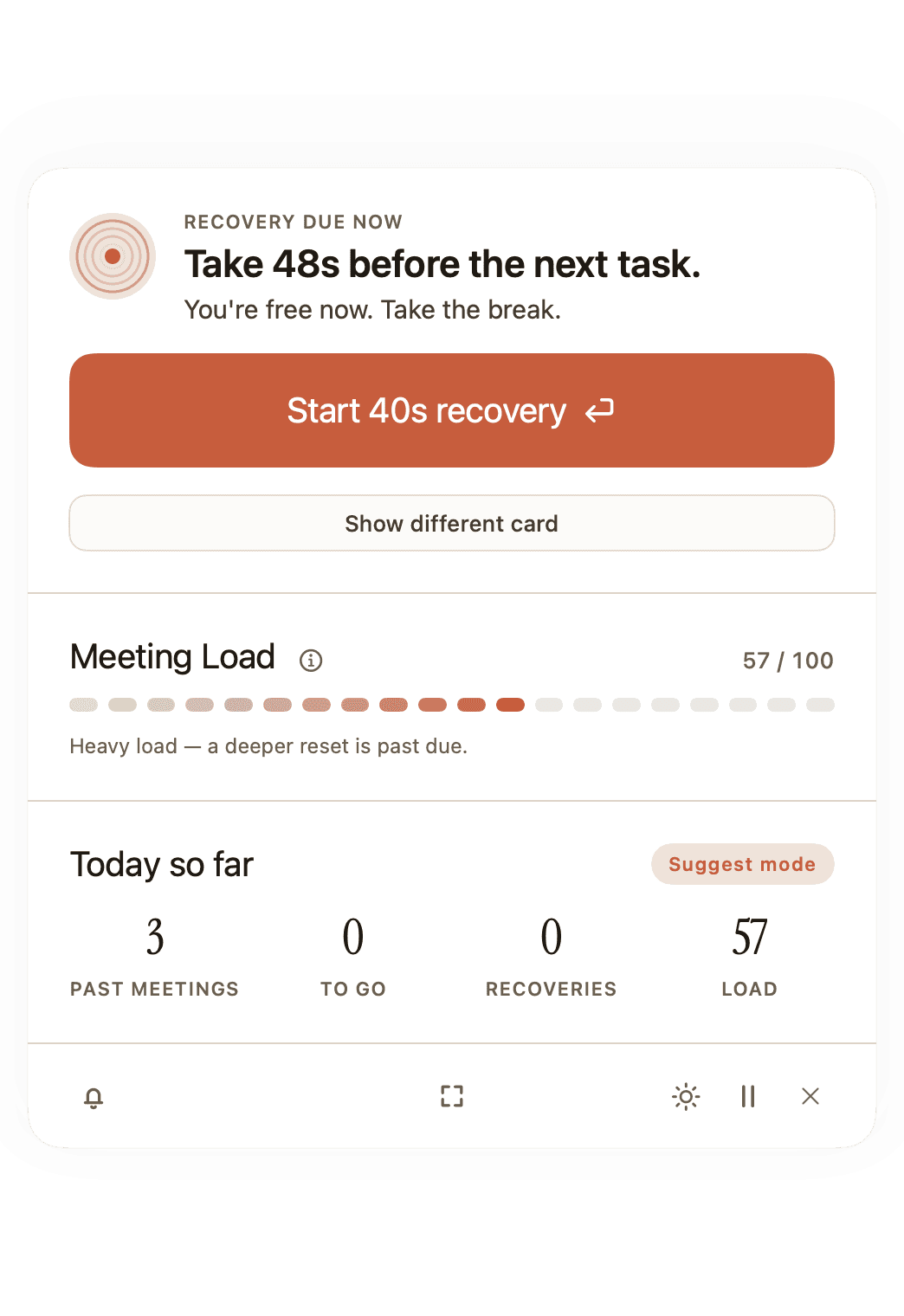
Lives in your menu bar. Quick reset, pause, silent — without opening a window.
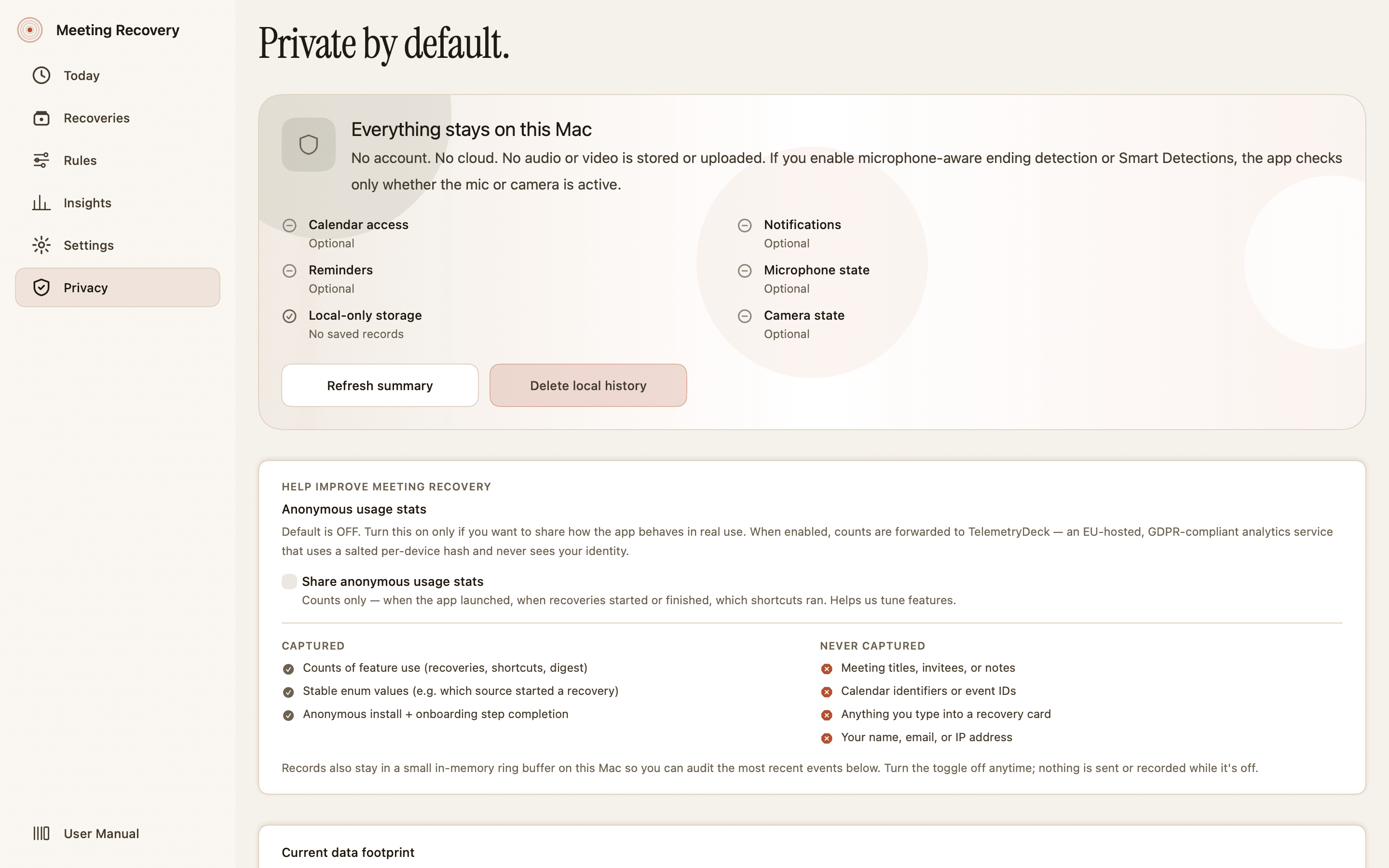
No accounts. No sync. EventKit reads only the calendars you turn on. Export or delete anytime.
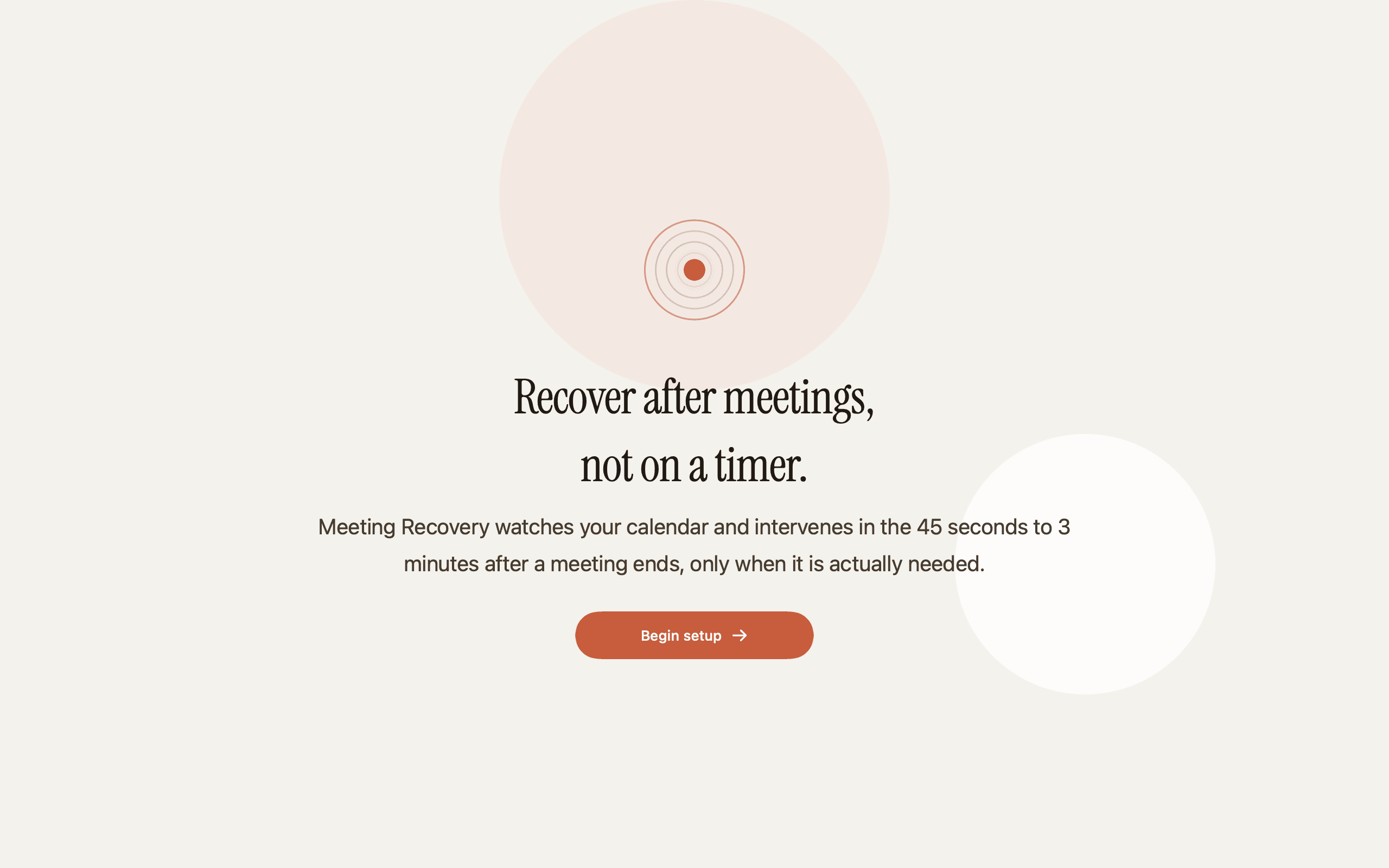
Three short steps. After that, the app stays out of the way until it has a real reason to help.
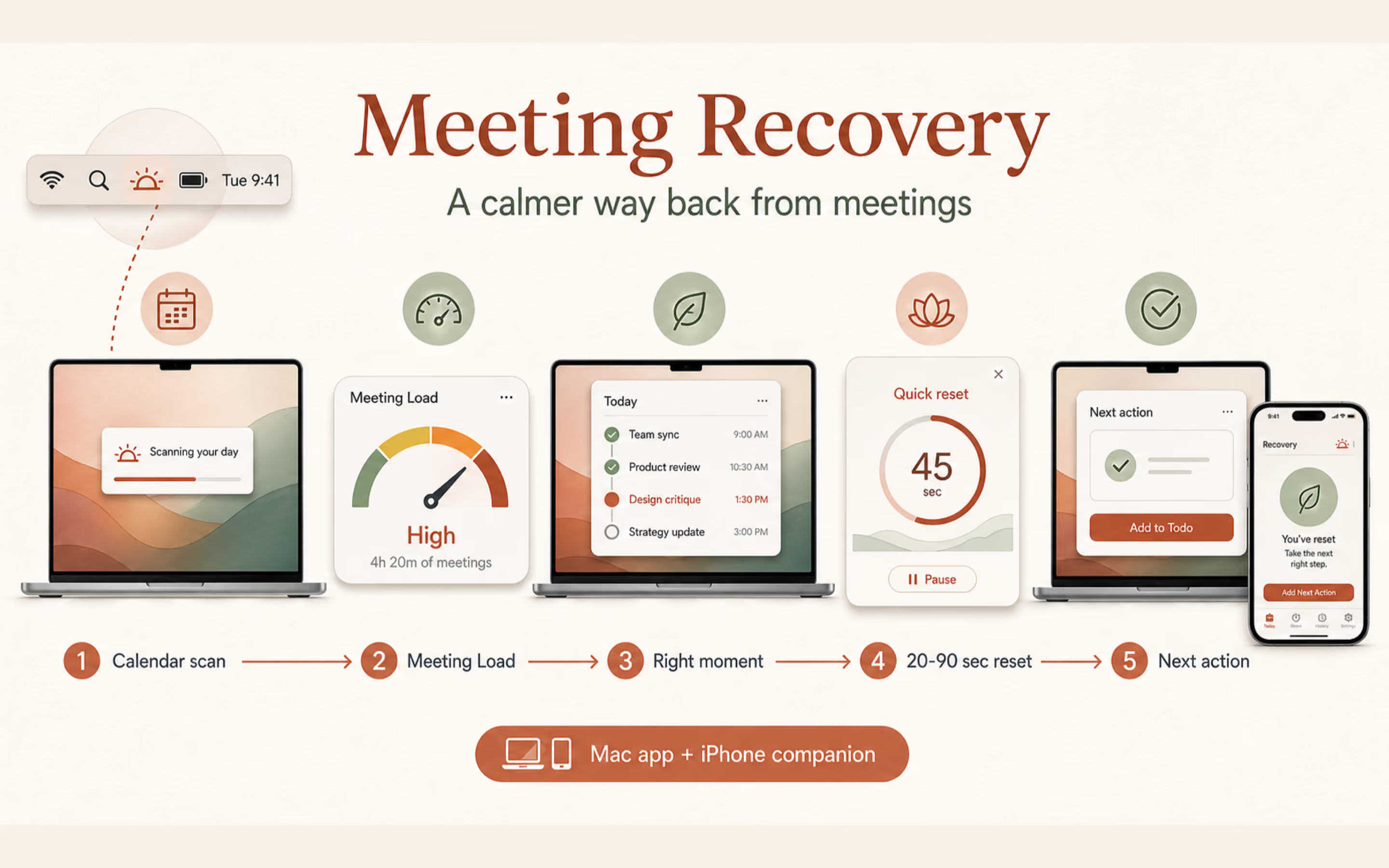
EventKit reads only the calendars you turn on. Microphone and camera stay off until you ask for them.
Meeting Recovery learns your blocks, your meeting types, and what counts as a real call versus calendar noise.
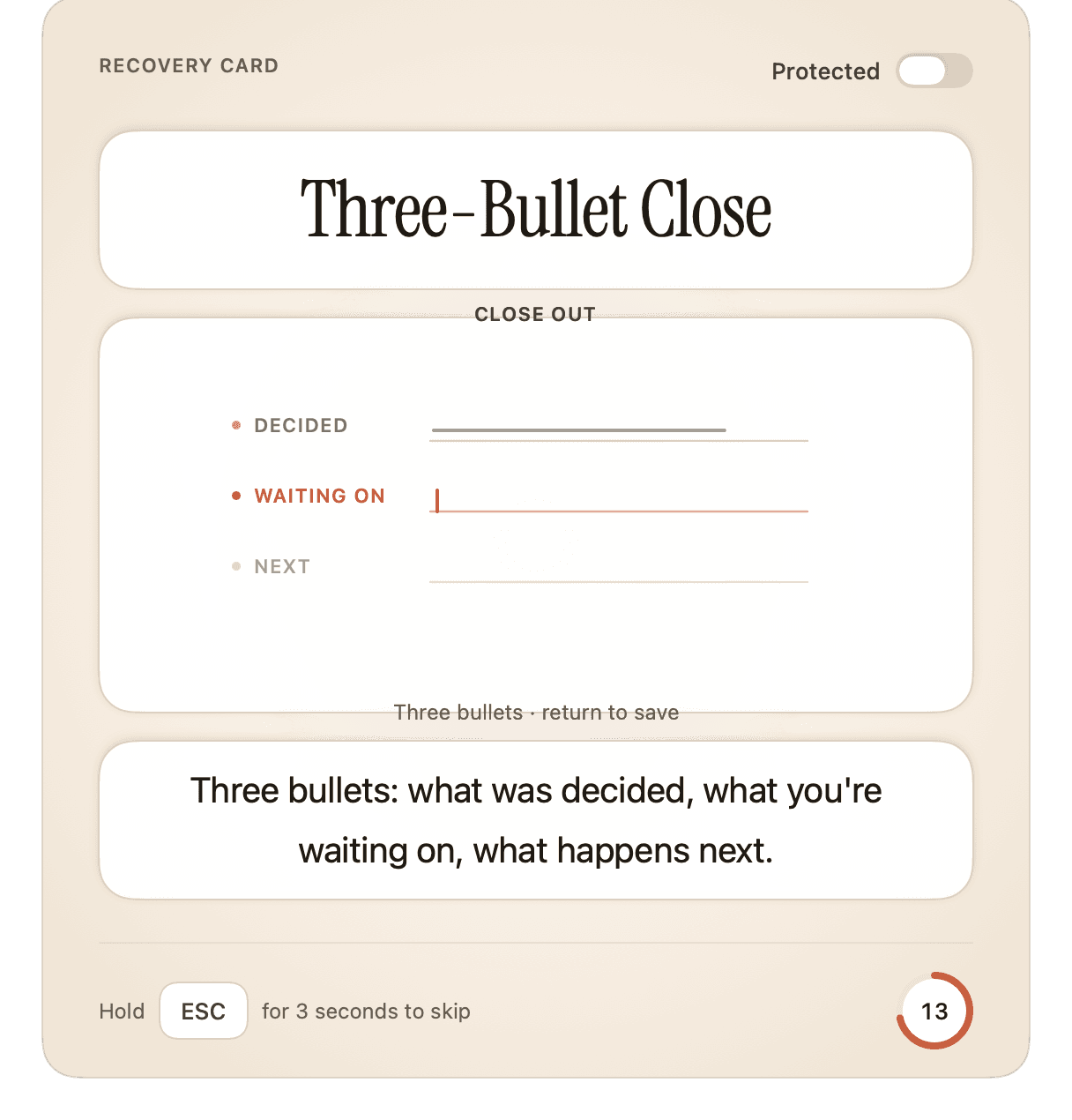
When load is real, a card appears with the right intensity. Twenty seconds. Capture the next action. Back to work.
Start. Reset. Capture the one next action. The thread holds while you exhale.
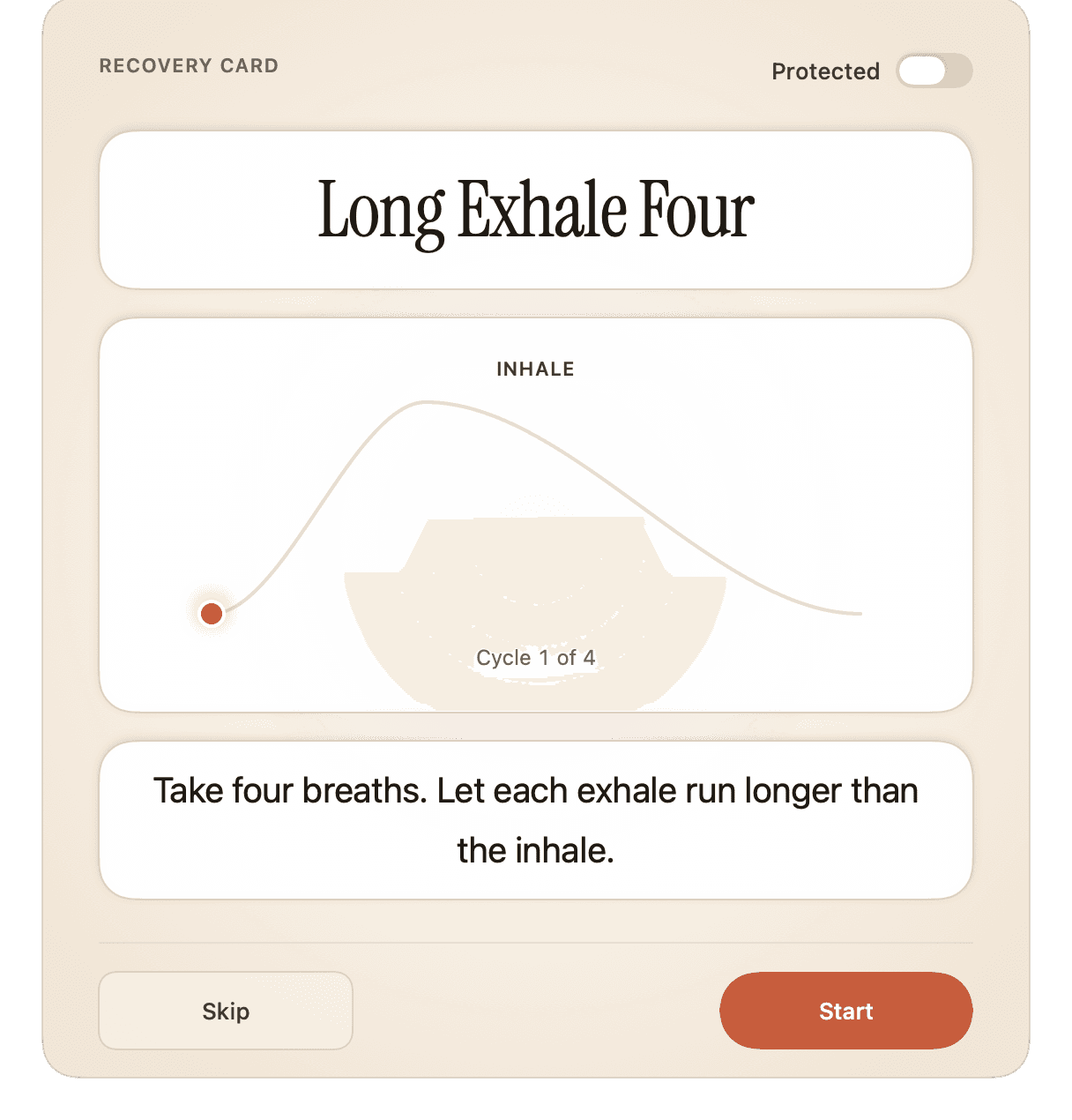
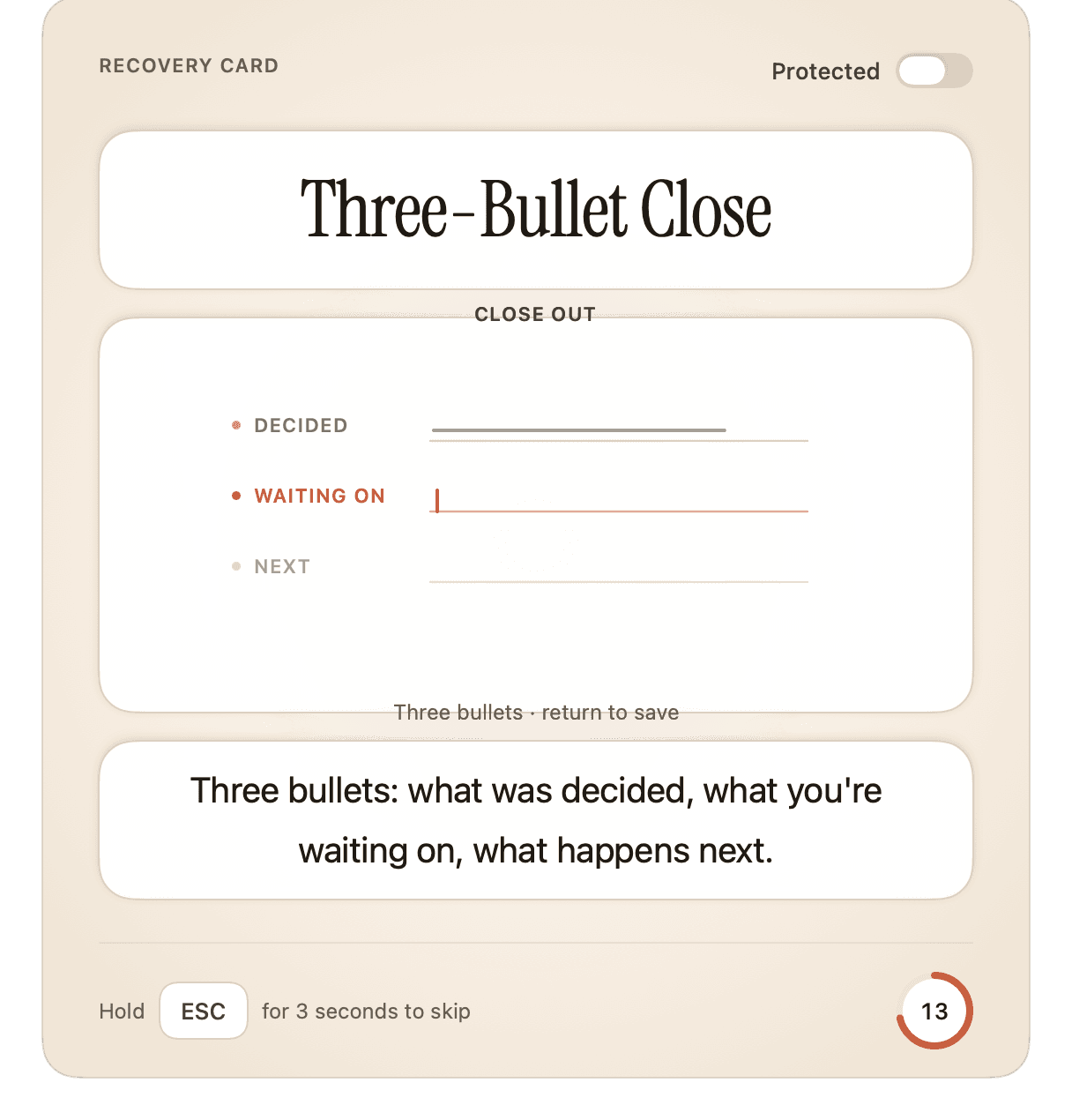
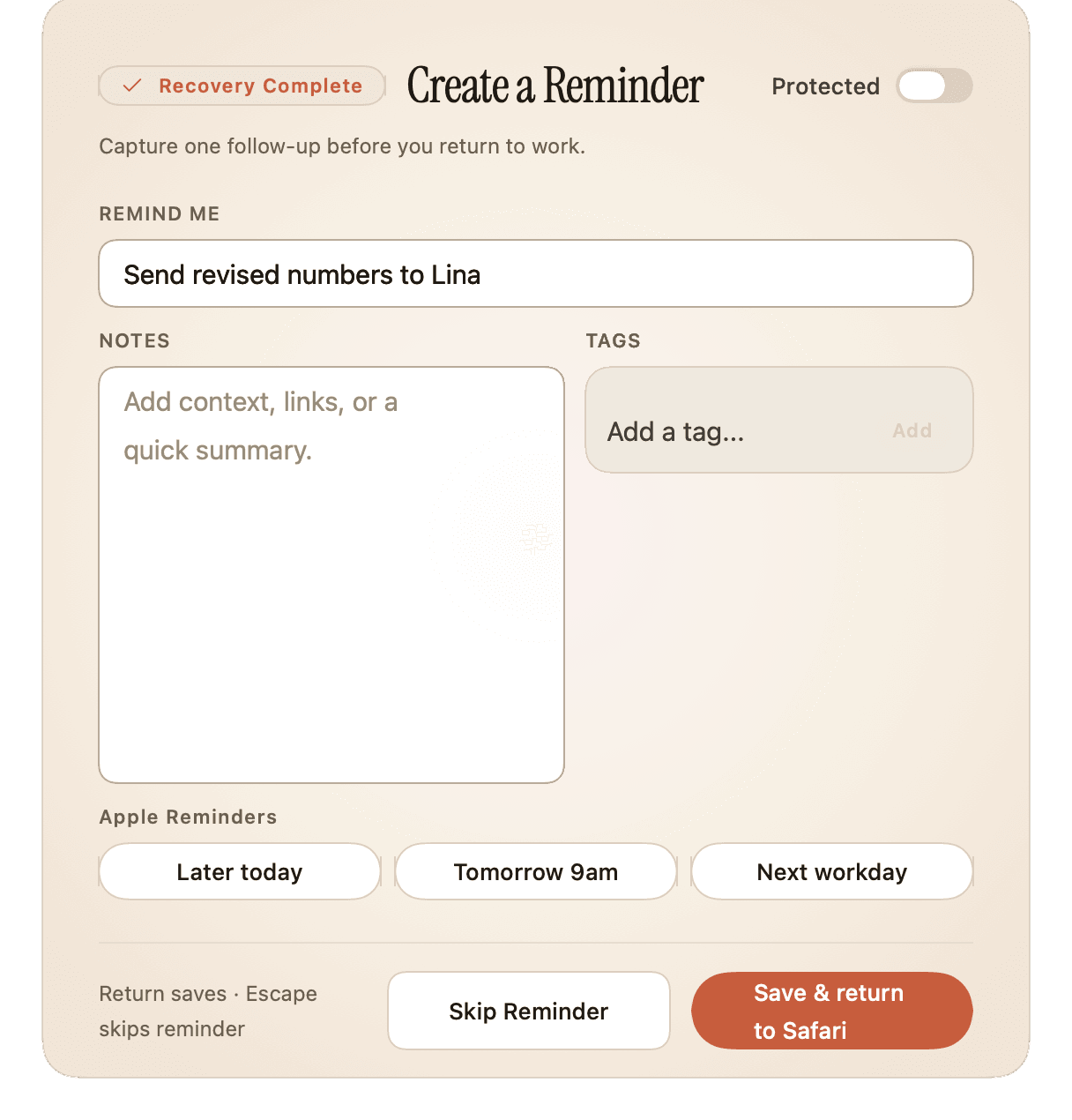
Meeting Recovery v1.0 for iOS — the same calendar-aware reset, adapted for phone-first ergonomics. iOS 18, iPhone & iPad.
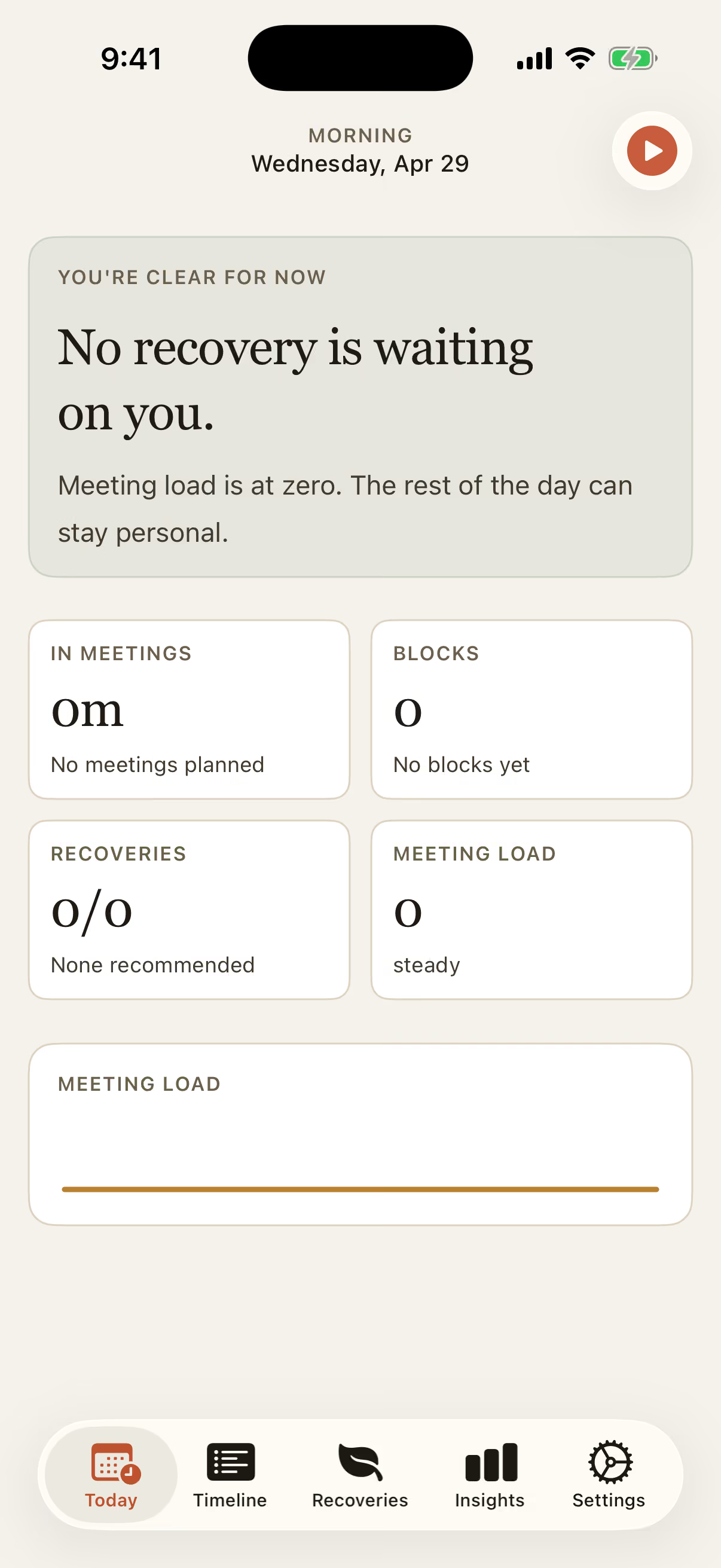
Today — iOS 18 · iPhone 17 Pro
Live Activity ticks the breath / movement timer down without unlocking. Glance, exhale, return.
Meeting Load and recovery-due tiles read the same App Group snapshot the Mac writes. One source of truth.
Detection runs on iPhone, writes Auto-Reserve blocks, sees calendar events. CloudKit keeps history mirrored when both devices are signed in.
Buy once on Mac or iOS — Pro unlocks on every Apple device you sign in with. Same IAPs, same record.
Early users describe the same thing: a quieter handoff between meetings, and a day that doesn't compound.
“Other tools yell at me every 90 minutes. This one waits, then nudges at exactly the moment I'd otherwise sit there blinking.”
“I've tried six 'wellbeing' apps. Meeting Recovery is the first one I haven't muted in a week. Calmer Tuesdays. That's the whole pitch.”
“The privacy story alone got me to install it — local-first, no accounts. The 30-second eye reset between back-to-back interviews kept me on it.”
Common questions before installing. Anything else? Reach us via the contact form.
Coming soon
Mac App Store and App Store launch soon. Drop your email and we’ll ping you the moment it’s live — no newsletter, just the launch.
macOS 15 Sequoia · iOS 18 · iPhone & iPad · Universal Purchase